
Watch on Roku & TV
Your school's games on the big screen — the HometownLive Roku channel brings your streams to any TV.
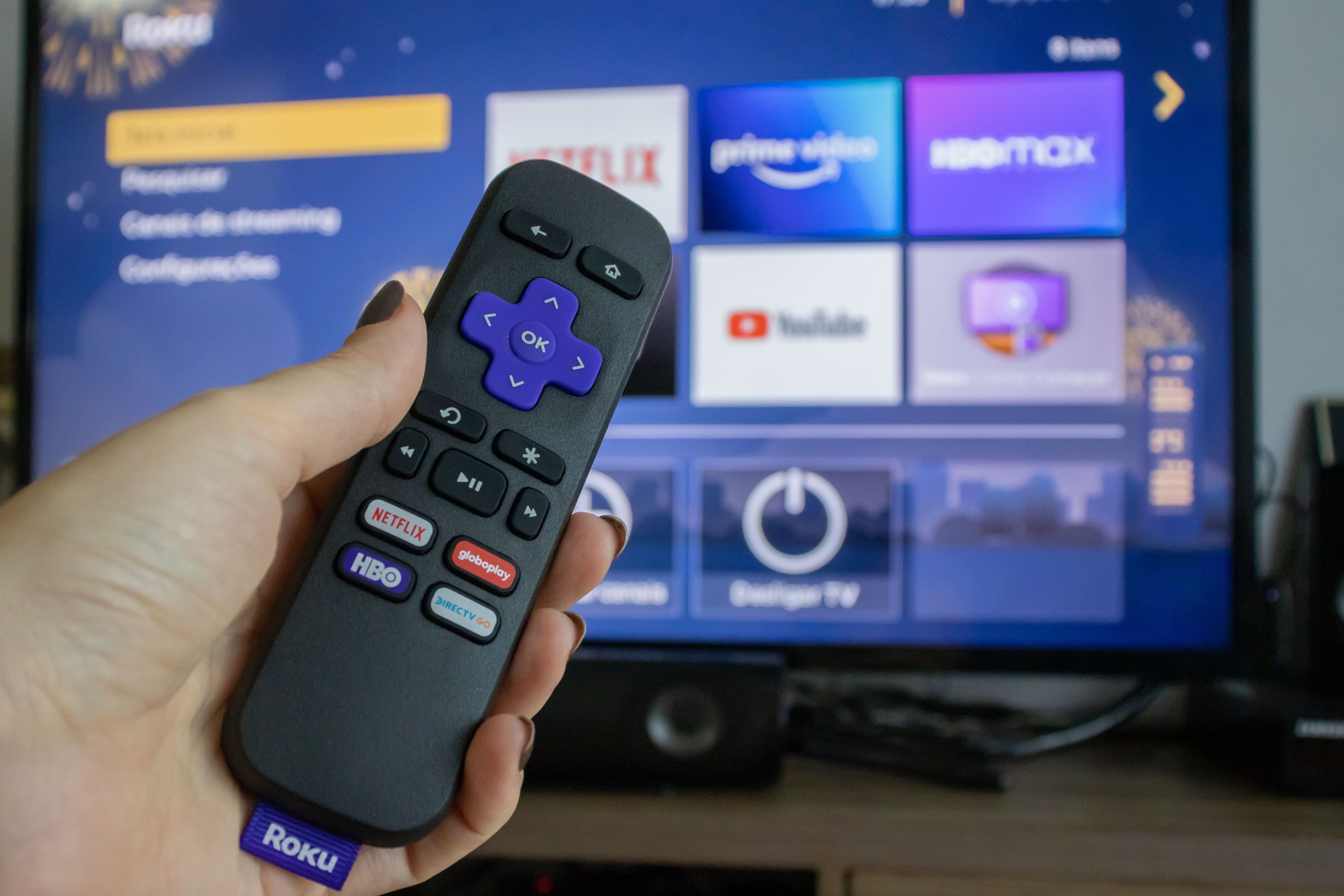
Grandparents want to watch on their TV, not squint at a phone screen. The HometownLive Roku channel lets fans watch your school's streams on their television — same streams, same archive, same branded experience. Included with All Access, or available as an add-on for Essentials subscribers.

Browse your school's content from the couch
Setup for fans is simple: search for HometownLive on the Roku Channel Store, install once, and find your school. From then on, your school's live events and archived games are a few clicks away from their couch.

Every archived stream available on demand
The TV viewing experience is optimized for the living room — clear navigation, large text, and a layout that works with a remote control. When you're live, fans get a notification in the app so they know to tune in.
Everything You Need
- Roku channel included with All Access — available as add-on for Essentials
- Fans install once and can find your school by name
- Live streams and video archives both available on TV
- Optimized UI for remote control navigation
- Supports multiple schools in a single app install
- No additional configuration required from your team